Keto Subscriptions: Paywall Creep & Cancellation Trust
Most complaints about keto tracking apps are about the app. This one is about the invoice. Billing trust — free trials that convert without warning, features that quietly move behind a paywall, subscriptions that keep charging after you thought you canceled — is its own category of problem, and it’s the one that makes people leave an app they otherwise liked. (For the broader checklist, see switching keto tracker apps: what to look for.)
What is paywall creep in a keto tracking app?
Paywall creep is when a feature that was free when you started gets moved behind a subscription later. You don’t get a new app — you get the same app, minus something you were already using. In published review coverage of the category, what reviewers report moving isn’t peripheral extras — it’s core tracking features.
That matters more than it sounds. Barcode scanning isn’t a luxury feature — it’s the fastest way to log a packaged food accurately. Published review coverage describes barcode scanning sitting in the premium feature set of at least one widely-used tracker, pushing free users back to manual search. One comparison roundup lists several core tracking features as premium-gated, with upsell prompts visible throughout the free experience.
This isn’t unique to one app — though the coverage above is a narrow enough base that it’s better read as a snapshot of what reviewers found than as a category-wide verdict.
Why do people get charged after canceling a keto tracker subscription?
Because cancellation and billing are handled in two different places, and the app’s own “cancel” screen is often not the one that stops the charge. On iOS and Android, recurring subscriptions bought inside the app are managed by the app store, not the developer. If you turn something off inside the app but auto-renewal is still live in your store account, the next charge goes through exactly as scheduled.
It’s one of the most-repeated complaints in the category, and it recurs across the cancellation-related sources cited in this section. Review-aggregator coverage describes subscriptions continuing to charge after users believed they had canceled, with refunds becoming difficult once auto-renewal has already triggered. One consumer-complaint aggregator’s records for tracking apps in this space show this same pattern, with disputed charges in the hundred-dollar range and refunds frequently denied outright or redirected back to the app store instead of resolved by the company directly. A separate competitor-review piece noted no clear in-app refund process.
The practical takeaway: cancel in your app store’s subscription settings, not just inside the app, and screenshot the confirmation. That’s the only cancellation record that governs the charge.
How do free trials turn into charges you didn’t expect?
A free trial is a subscription that has already started — it just hasn’t billed yet. The card is authorized on day one, and the conversion to a paid term happens automatically at the end unless auto-renewal is switched off first — a step that this category’s review coverage describes as easy to miss, rather than one the trial flow asks you to acknowledge separately.
Consumer complaints in this category describe being charged full price immediately after a trial ended without clear notice, and in some reports, unauthorized upgrades to a more expensive plan. Whether those were interface confusion or something worse isn’t something a blog post can adjudicate — but the defensive move is the same either way. If you start a trial, turn off auto-renewal the same day. The trial still runs its full length; you simply won’t be converted silently at the end of it.
None of this is one company’s bad quarter. It isn’t isolated to a single app either — the same billing patterns recur across the independent sources referenced in this piece, which is what makes billing trust a category behavior rather than an isolated one.
What should I check before subscribing to a keto tracking app?
Five things, all checkable in under ten minutes, before you enter a card. Every one of them addresses a specific failure mode above rather than general due diligence.
- Is the cancellation path published, in the app’s own terms? Not in a review, not in a support reply — in writing, on their site. “Cancel anytime” with no stated mechanism is not a policy.
- Is there a refund process, and who runs it? For a subscription bought inside the iOS or Android app, if the answer is “contact the app store,” accept that the developer has no refund lever and plan accordingly.
- What exactly is free, and is it stated in writing? A feature list is a snapshot. Wording in the terms about what is free tells you more, though how firmly it is worded matters too: “we do not plan to” is weaker than “we will never”. Paywall creep is what happens in the gap between a snapshot and a promise.
- Does the free tier let you actually log a meal end to end? If core logging is capped, gated, or scan-limited, the free tier is a demo, not a tier.
- Does the price change for existing subscribers? Ask whether the price you join at is the price you keep. Ask what the renewal terms are, and where they’re published.
What can I do if I’ve already been charged after canceling?
Start with the app store, because that’s where the money moved. Apple handles refund requests through reportaproblem.apple.com; Google Play handles them through the Play Store’s order history. The two platforms don’t publish the same rules, so don’t assume one window covers both. Google Play’s published refund policy states that within 48 hours of purchase you may be able to get a refund depending on the details of the purchase, and that after 48 hours you should contact the developer instead. Apple’s refund page publishes no equivalent deadline for submitting a request — it says only that some purchases “might be eligible” for a refund, and that eligibility “might vary by country or region.” Either way, request as soon as possible after the charge.
Then, in order: keep the charge receipt and any in-app cancellation confirmation together; contact the developer directly in parallel rather than instead; and only escalate to a card chargeback if both fail, since a chargeback can get your store account restricted. Before you cancel anything, export your food log first — some apps restrict account access the moment a subscription lapses.
How does TwentyGrams handle subscriptions?
Honestly: TwentyGrams hasn’t billed anyone yet. It’s pre-launch — early-access signup only, no App Store or Play listing live. There is no billing track record to point to here, positive or negative, and any claim otherwise would be exactly the kind of thing this article tells you to distrust.
What does exist is wording in our Terms, which you can read before you sign up:
- Core logging is free, with no time limit. Typed natural-language logging, search, and your history are free, and we do not plan to move them behind the paywall. That is a stated plan in our Terms, not a guarantee. Some features, such as label scans, have a monthly free allowance.
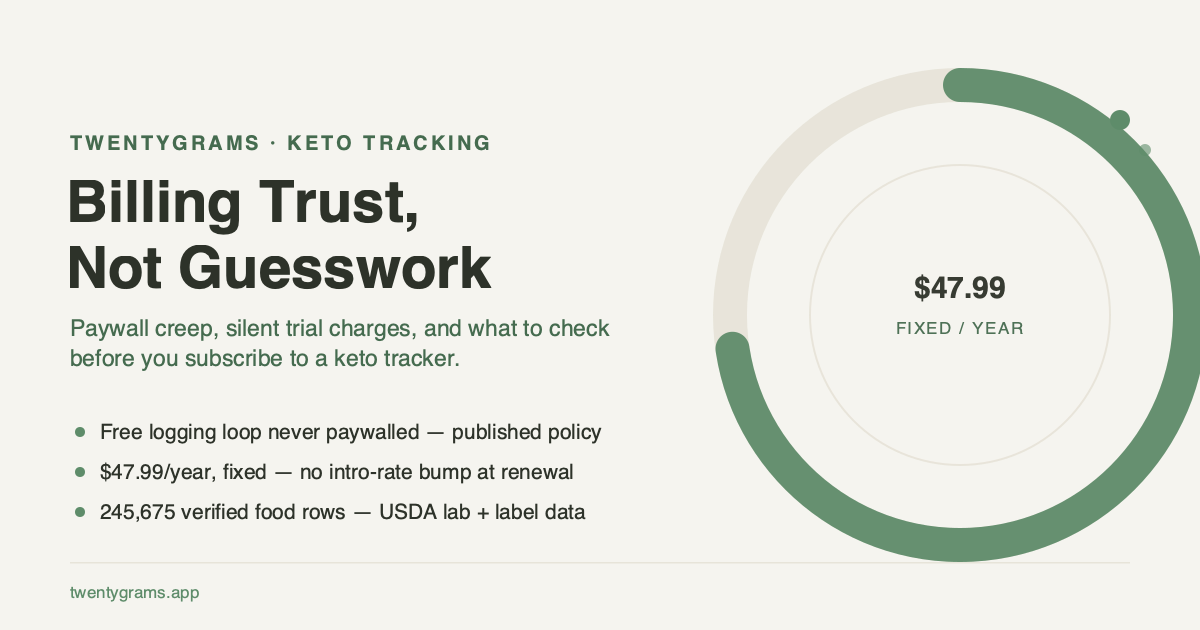
- The optional premium tier is $47.99/year, and that’s the price today. There’s no introductory rate today, and no sales or discounts today.
- Cancel in your Apple or Google subscription settings. The core logging loop is free, with no time limit.
On the data side, the same principle applies to the numbers themselves: Every food in the database traces to a named source — USDA FoodData Central for whole foods and packaged brands (the packaged data is submitted by manufacturers), plus community-sourced Open Food Facts entries. The AI reads your meal; the database supplies the numbers. If you want to check that math by hand against any tracker, including this one, net carbs, explained walks through the formula.
TwentyGrams is currently in early access signup — the app itself isn’t available to download yet.